Bahkruums Keybind-Spickzettel
Offizielle PC-Steuerung auf einen Blick — Sprint, Scream, Voice, Mouse Unlock, Emotes und Bunny-Hop-Notes für BETA-Überlebende.
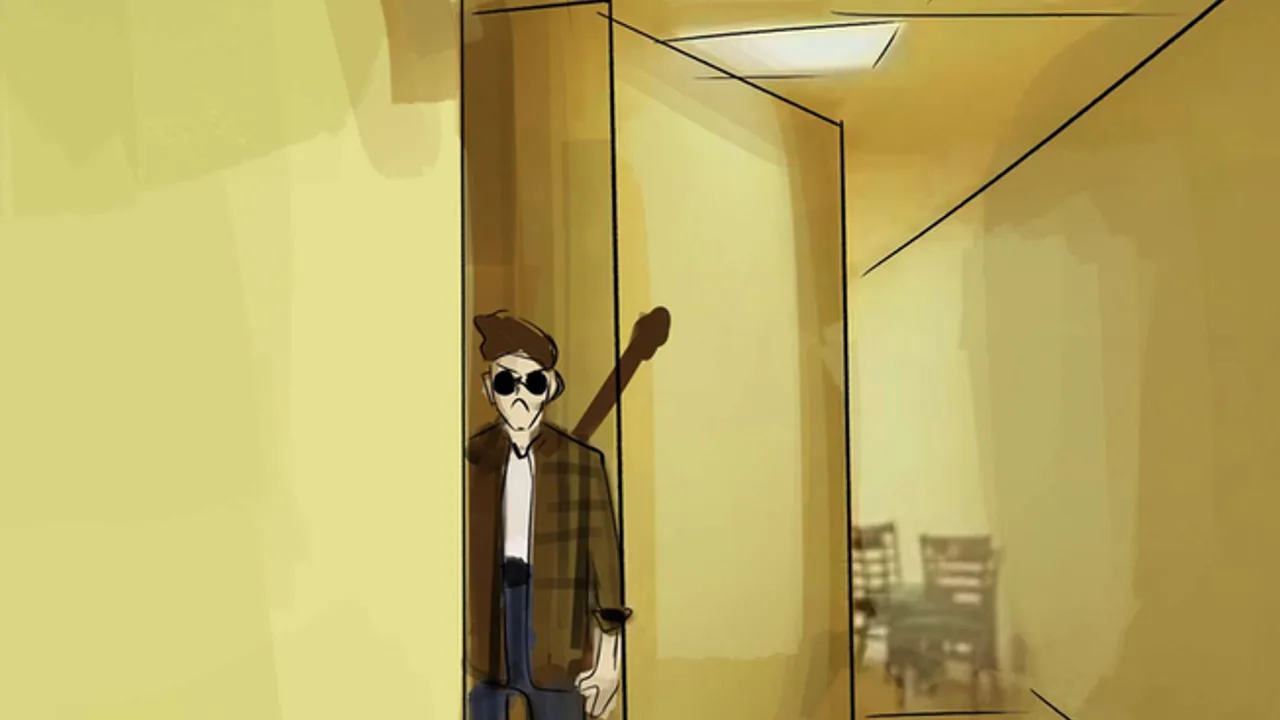
Bahkruums von OrbitWave Creations leiht Spannung aus Garry’s Mod nextbots und Hussrooms-Style-liminalem Horror. Matches gehen schnell: du sprintest gelb getönte Korridore hinunter, hörst einen Verfolger hinter Trockenbau pivotieren und entscheidest in einer halben Sekunde, ob du für Aufmerksamkeit screamst oder still bleibst. Auf dem PC hängt dieser Flow von einer kleinen Menge offizieller Keybinds ab, die OrbitWave für das Roblox-BETA-Erlebnis dokumentiert.
Dieser Spickzettel sammelt diese Binds in einer Tabelle, fügt praktische Usage notes für Verfolgungssituationen hinzu und verlinkt tiefere Guides für narrative Erklärungen. Offen auf zweitem Screen halten, bis Finger unter Stress nicht mehr zögern.
Konsole- und Mobile-Support bleibt während BETA begrenzt — diese Referenz targetet Tastatur- und Maus-Spieler. Nach Patches auf dem Updates-Hub revisiting, wenn OrbitWave rebinding oder Gamepad-Layouts hinzufügt.
Offizielle Bahkruums-PC-Keybinds
| Taste | Aktion | Primäre Nutzung |
|---|---|---|
| W A S D | Bewegen | Navigation, Strafe um Ecken, Reverse wenn Verfolger deine Spur betritt |
| Shift | Sprint | Burst-Speed für Distanz oder Tür-Linie — Ausdauer beachten falls in future patches hinzugefügt |
| Space | Springen | Standard-Hops und bunny hop-Ketten wenn beim Landen getimed |
| Q | Scream | Lauter Emote-Style-Callout; kann Verfolger-Verhalten oder Koordination beeinflussen — bewusst nutzen |
| T | Speak | Proximity-Voice-Chat mit nahen Überlebenden |
| Z | Unlock mouse | Free-Look ohne Charakterkörper zu drehen — kritisch für blinde Ecken |
| G | Emote | Soziale Animationen; riskant mid-chase unless safely tucked in room |
| Linke Maustaste | Interact / context | Türen, Buttons oder Prompts wenn Bahkruums UI unter Standard-Roblox-Konventionen |
| Esc | Menü | Pause, Settings, Experience verlassen — nicht während aktiver Verfolgungen spammen unless necessary |
Standard-Roblox-Kamera-Steuerung gilt weiter, es sei denn OrbitWave overrides: rechte Maus halten zum View rotieren wenn mouse locked, scroll zum Zoom falls enabled.
Sprint (Shift) — wann halten und wann stoppen
Sprint ist dein primärer Panik-Button. In offenen Backrooms-Segmenten kann Shift halten während bunny hopping Momentum erhalten, wenn Sprung-Timing clean ist. In engen Räumen erhöht Sprinten Schritt-Lärm — manchmal Verfolger alarmieren, die du noch nicht siehst.
Praktische Regeln:
- Sprint durch known-safe straightaways, wo Kartenwissen Vorsicht schlägt.
- Vor sharp turns loslassen, die du nicht gescoutet hast — in dead ends slidend verschwendet Ausdauer und scream cooldown psychology.
- Mit unlock mouse (Z) paaren vor branch corridor wählen; blind sprinting in three-way split endet Runs.
Falls future BETA patches stamina bars hinzufügen, Sprint als budgeted resource behandeln statt permanent toggle.
Scream (Q) vs. Speak (T)
Scream ist intentional laute Aktion — nicht dasselbe wie open microphone voice. Spieler nutzen es, Verfolger abzulenken, Escapes zu feiern oder bei first contact zu paniken. Weil Bahkruums Horror-Audio betont, kann Schreien auch Position an menschliche Überlebende preisgeben, die stealth versuchen.
Speak auf T ermöglicht proximity voice. Mit nahen Spielern koordinieren — „Verfolger Nord“, „Tür zu“, „gruppieren“ — ohne über entire map zu broadcasten, es sei denn voice falloff ist generous im current build.
Party chat außerhalb Roblox bypassed in-game speak rules; mit Freunden vereinbaren, ob meta voice in eurer Gruppe erlaubt ist.
Unlock mouse (Z) — der Skill-Separator
Unlock mouse ist der Bind, den Neulinge vergessen bis sie sterben beim Ecken-Check. While unlocked, Cursor bewegen für independent look von WASD facing. Re-lock vor sprint line commit, damit Bewegungsrichtung zu Vision passt.
Diese Sequenz auf quiet server drillen:
- Intersection at walk speed nähern.
- Z tippen, links und rechts scannen.
- Z erneut tippen (or click to re-lock depending on BETA behavior).
- Shift sprint toward clear path.
Mit Settings-Checkliste kombinieren, damit Sensitivität zwischen locked und unlocked modes identisch wirkt.
Emote (G) — social, not survival
Emotes drücken Stimmung während downtime aus. Mid-chase emotes locken Animation frames, die du dir nicht leisten kannst. G in safe rooms, after round resets, or when spectating if Bahkruums spectator modes später hinzufügt.
Future promo codes may grant emote variants; binds should stay on G unless OrbitWave otherwise announces.
Bunny hop (Space + timing)
Bahkruums wirbt mit bhop support. Classic technique:
- W forward halten (or strafe combo for advanced chains).
- Mit Space springen as you land — timing matters more than spamming.
- Optional Shift sprint between hops if momentum rules im current physics patch erlauben.
- Auf flat lobby tiles üben before attempting bhops under chase stress.
Legitimate bhops nicht mit script autobhop verwechseln — automation risks bans covered on Script-Sicherheit. Manual chains überleben Patches besser, weil du adaptierst wenn OrbitWave gravity or hitboxes tuned.
Suggested finger layout for PC
Most players anchor like this:
- Pinky on Shift — sprint ready
- Ring on A, middle on W, index on D
- Thumb on Space — jump spam without lifting WASD
- Index reaches Q for screams without leaving movement keys
- Z with pinky or ring depending on keyboard size — pick one and stay consistent
Small keyboards: consider moving emote off quick access if you mis-press G during chases.
Roblox client shortcuts that still matter
These are not Bahkruums-specific but help during BETA troubleshooting:
- F11 or Roblox fullscreen settings — reduce input lag on some PCs
- Shift + P (Roblox menu paths vary) — reset camera if stuck
- Graphics level in Roblox settings — see settings checklist for FPS targets
Before you queue — quick drill
Run this sixty-second routine after reading Erste Schritte:
- Sprint Shift across spawn — feel acceleration.
- Scream Q once — note audio loudness in headphones.
- Hold T and confirm mic gate behavior.
- Z unlock, scan, re-lock.
- Five consecutive bhops on Space.
If any bind fails, verify you joined official Bahkruums experience and not clone place missing control scripts.
Related pages
- Settings-Checkliste — Audio and sensitivity before ranked-with-yourself sessions.
- Tools-Hub — Overview of all reference utilities.
- Steuerungs-Guide — Narrative explanation of each action.
- So bhopst du — Advanced movement.
- Tier list — Know when sprinting is suicide versus mandatory.
Memorize binds, respect their tradeoffs, and let muscle memory carry you when the nextbot rounds the corner — no executors required.
Häufig gestellte Fragen
Schnelle Antworten für Bahkruums-Spieler mitten in der Verfolgung.
Was sind die offiziellen Bahkruums-PC-Keybinds?
Sprint Shift, Scream Q, Speak T, Unlock Mouse Z, Emote G, plus standard WASD movement and Space to jump for bunny hops.
Unterstützt Bahkruums Key-Rebinding?
BETA advertises fixed defaults on PC. Steuerungs-Guide and updates hub nach Patches prüfen, falls OrbitWave remapping menu hinzufügt.
Wann soll ich Unlock Mouse (Z) nutzen?
An Kreuzungen und blind corners für free-look ohne Körper zu drehen, dann re-lock vor Sprint, damit Bewegung zur Sicht passt.
Ist Schreien dasselbe wie Voice-Chat?
Nein. Q triggers scream action while T handles proximity speak. Sie dienen unterschiedlichen sozialen und taktischen Zwecken.
Kann ich bunny hop ohne Scripts?
Ja. Bahkruums supports manual bhops with Space timing and optional Shift sprint. In low-pop servers üben statt Executors.